Polycom Trio 8500 & 8800 update procedure
Update Polycom Trio 8500 & 8800 through web browser Published
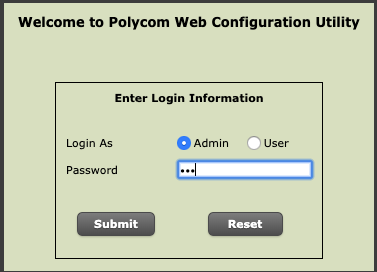
- Open your browser and navigate to your Polycom Trio IP address (ex: 192.168.1.231)
- Enter the Admin password ("456" = default password)
- Utilities --> Software Upgrade
- Click on "Check for software upgrade"
- Scroll down and select the latest version
- Click "Install"